Quick answer
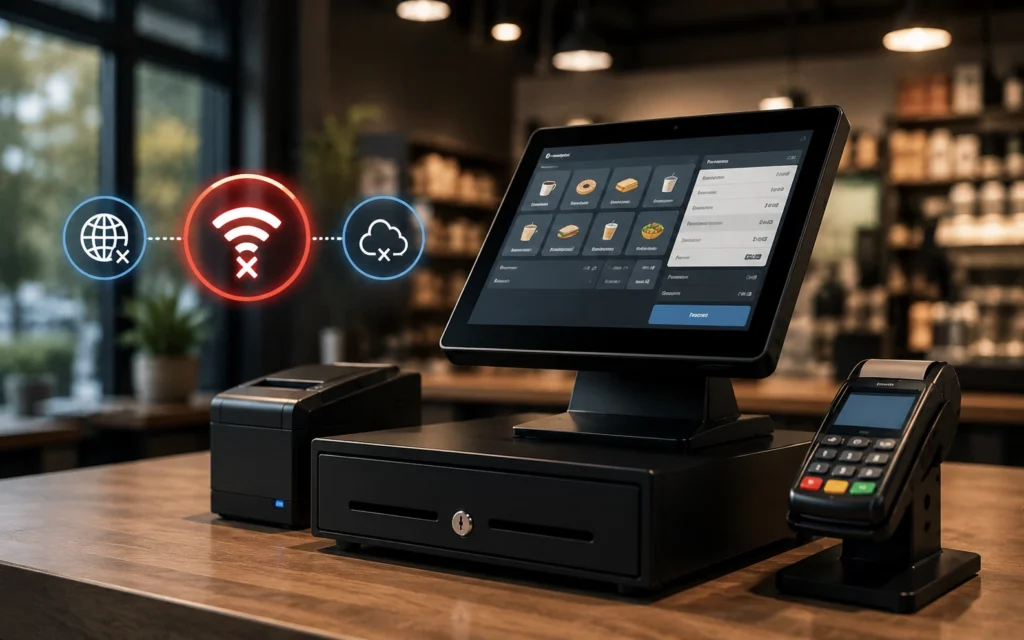
POS failover keeps your point-of-sale system online when your primary internet fails by automatically switching to a backup connection, usually 4G or 5G wireless, in seconds. Done right, staff and customers never notice the outage and card payments keep processing the entire time.
What happens to a restaurant POS when the internet goes down
A modern POS is a cloud device. It authorizes cards, syncs orders to the kitchen, pushes tickets to online ordering and third-party delivery, and reports back to the office, all over the internet. The moment the connection drops, most of that stops. Staff are left choosing between turning paying customers away and running cards in a risky offline mode. Neither is good on a busy night.
This is the failure that costs restaurants the most, because it hits at the worst possible time. Outages do not wait for a slow Tuesday. They happen during storms, during construction down the street, and during peak hours when the local network is most loaded. The fix is not a faster POS or a different processor. It is automatic failover on the connection underneath it.
What POS failover actually is
POS failover is a network capability, not a POS feature. It means your location has a primary connection and a second, independent backup connection, with a device that constantly checks the health of the primary. The instant the primary fails, traffic reroutes to the backup automatically, usually within seconds. Your POS, payment terminals, and order screens stay online through the whole event. Nobody on staff has to do anything.
The word that matters there is automatic. If keeping the POS online depends on a manager noticing the outage, finding a hotspot, and reconnecting terminals one by one, you do not have failover. You have a fire drill.
Why your POS offline mode is not the same thing
Many POS platforms advertise an offline mode that stores transactions locally and forwards them when the connection returns. It sounds like a safety net, but it carries real risk. Cards authorized offline can be declined later, leaving you holding the loss. Tips, modifiers, and order details can fail to sync. And anything that needs a live connection, like online ordering, third-party delivery, and gift or loyalty lookups, simply does not work. Offline mode is a fallback for the POS. Failover keeps the connection itself alive so you never need the fallback.
How automatic failover works
A proper failover setup has three parts: the primary internet line, a separate backup path, and an intelligent router or SD-WAN appliance that monitors both. The appliance runs continuous health checks. When the primary stops responding, it shifts live traffic to the backup so fast that sessions stay up. When the primary recovers, it shifts back, again without anyone touching it.
Vivant runs this as SmartCONNECT, its backup and automatic failover service. When the primary internet goes down, it switches to a backup connection within seconds, so a restaurant does not lose revenue to an outage. One franchisee who runs Dave’s Hot Chicken and Blaze Pizza put it plainly: the failover is so easy that when an outage happens, they do not have to do anything, and even when the internet comes back there are no delays or gaps.
Why the backup should be wireless and on a different carrier
The most common mistake is a backup that fails for the same reason as the primary. If both connections run over the same fiber path or the same local provider, one cut line or one regional outage takes them both down. A 4G or 5G wireless backup on a different carrier gives you a genuinely independent path, so the failure that knocks out your primary does not touch your backup. We go deeper on this in our guide to backup internet for restaurants.
What an outage really costs at the register
It helps to put numbers on it. Take a location that does 1,500 dollars an hour at dinner. A 90-minute outage during peak is not just the roughly 2,250 dollars in sales that never ring up. It is the delivery orders the apps mark as unavailable, the guests who leave the line and post about it, and the staff time spent apologizing instead of turning tables. Run that a handful of times a year across several locations and going without failover costs far more than the failover itself.
That is why operators who have lived through a bad Friday rarely go back. The protection is inexpensive relative to a single peak-hour outage, and it pays for itself the first time the primary connection drops and nobody in the dining room notices. The Jimmy John’s franchisees Vivant works with reported repeated outages that were crippling the business, sometimes for a few hours and sometimes for days, until reliable connectivity took the problem off the table.
Failover protects more than payments
It is easy to think of failover as a card-processing safeguard, but it protects the whole operation. Kitchen display screens keep receiving tickets, online ordering and third-party delivery stay live, the VoIP phone system keeps taking reservations and phone orders, and security cameras and back-office tools stay connected. A well-designed network keeps all of it running on the backup path during an outage, prioritizing the systems that touch revenue first.
Failover, chargebacks, and compliance
There is a compliance angle to failover that is easy to miss. When staff fall back to offline card processing during an outage, they are not just risking declines, they are handling payment data in a way that can complicate PCI compliance. Keeping the connection live with automatic failover keeps payments flowing through the normal, secured, compliant path, so you are not trading an uptime problem for a security and chargeback problem. For a restaurant, the cleanest outage is the one where nothing about how you take payments changes at all.
What to look for in POS failover
- Switchover measured in seconds, not minutes, so card sessions and orders survive the cutover.
- Fully automatic, with no action required from restaurant staff.
- A backup on a separate carrier and a separate physical path from the primary.
- Active monitoring, so your provider sees the outage and the recovery, not just your team.
- Enough backup bandwidth to keep POS, payments, and online ordering running at once.
For multi-unit groups, failover should be standardized across every location so a new store opens with the same protection as the flagship. That is part of running one network across all your locations. If you want to know where your current setup stands, Vivant offers a free cost analysis.
Frequently Asked Questions
What causes restaurant internet outages?
Common causes include cut or damaged lines from nearby construction, severe weather, power events, congestion on the local provider network during peak hours, and equipment failures. Because the timing is unpredictable, automatic failover is the only reliable protection.
Does my POS work without internet?
Most POS systems can take limited orders offline but cannot reliably authorize cards, sync online and third-party orders, or run loyalty and gift cards without a connection. Offline mode also carries chargeback risk, which is why keeping the connection alive with failover is safer.
How fast does POS failover switch over?
A well-configured failover system switches to the backup connection within seconds, fast enough that active card transactions and order sessions stay online and staff and customers do not notice the outage.
Is offline card processing safe for restaurants?
It carries risk. Cards approved offline can be declined when the connection returns, leaving the restaurant responsible for the loss, and offline transactions can fail to capture tips and order details. Automatic failover avoids the issue by keeping payments live.
Do I need backup internet at every location?
Yes, if uptime matters at every location. Each site is its own point of failure, so failover only protects the locations where it is installed. Multi-unit groups standardize backup across all sites.
See where your current setup stands.
Vivant offers a free cost analysis of your failover and connectivity.