The essence of a good restaurant POS System
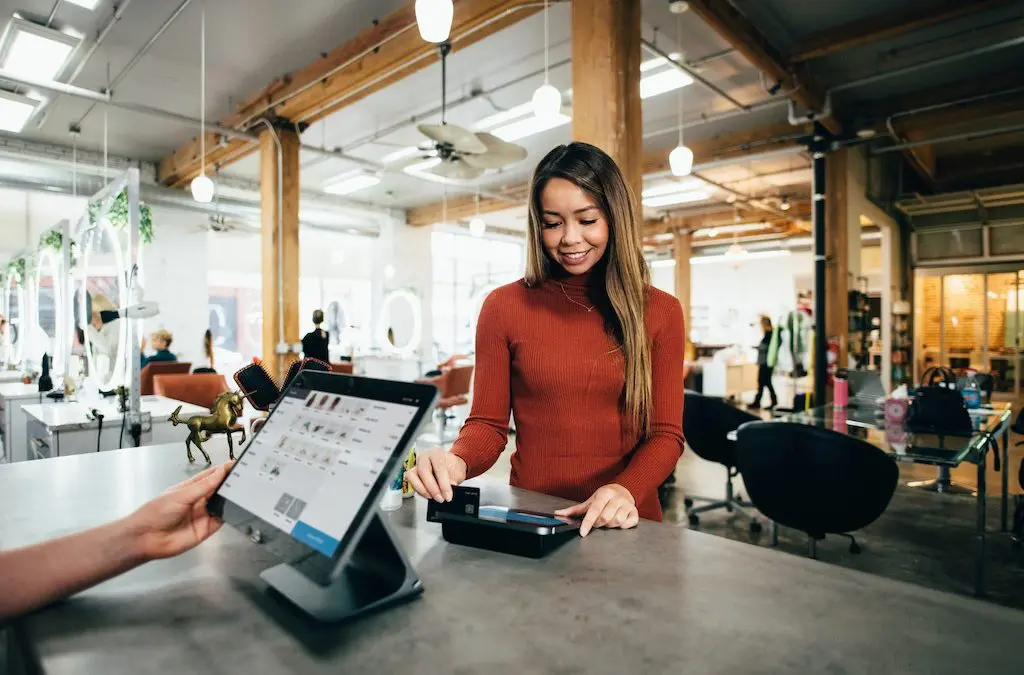
All things considered, restaurant profitability is the prime consideration for every owner. And while POS Systems vary in scope and functionality, it’s imperative to match capacity with need. Regardless of the restaurant size, features and functionality should address the fundamentals.
- helping the restaurant team interact efficiently
- allowing managers to track work hours/schedules
- logging historical data vs. long-term growth
- streamlining the ordering process start to finish
- accepting regular online orders and phone orders
Why your restaurant needs a reliable system
In today’s competitive business climate, every restaurant wants to thrive and grow. This is where a high-end POS System can help by delivering valuable operations data that you can use to fine-tune your operation. You can even monitor the exact cost of ingredients cooked up in every dish. Clearly, not every restaurant POS System is created equal, so you need to pick and choose the one that offers the features that best meet your needs. Customer demographics should play a big role. Your budget should also dictate the type of system. And finally, consider the size of your business.
Some of the best POS systems on the market
TouchBistro POS is considered the “best all-around” restaurant system. With a very versatile interface, it’s feature-rich (over 200 features), accompanied by good support and a good price.
Square POS is the best option for quick-service restaurants. A well-established brand name, the system accommodates such businesses as bar lounges, bakeries, coffee shops, even food trucks.
Lightspeed POS is iPad compatible and is considered one of the most flexible systems. You can easily plugin “third-party” APPS for added features like staff scheduling and loyalty programs.
Upserve POS (originally Breadcrumb POS) offers features that others don’t have – like offline functions; online order managing; bill-splitting options; and tracking of sales and inventory
Toast POS supports Android devices (doesn’t support iOS). The features include a user-friendly interface; analytics reports; loyalty programs; inventory tracking; and layout management.
Internet downtime can cause “bottleneck” issues
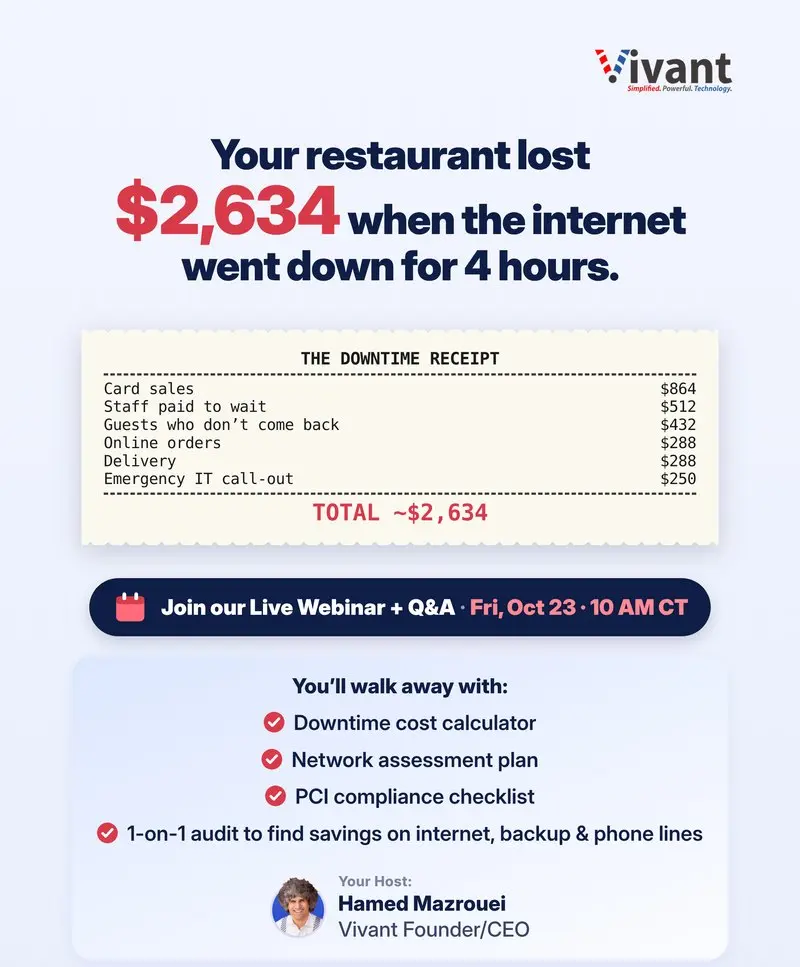
It’s not an unfamiliar scenario – your restaurant is full, waiters are taking orders, customers are waiting – and the Internet connection goes down. If you’re operating on a cloud-based POS system you’re in deep trouble. Without the Internet, there’s not much that can function properly. Internet downtime is a recipe for lost productivity and lost restaurant profitability. Even with the best system in place, if you do not have a 100% guarantee that your Internet provider won’t go down, you are in trouble. When it happens, all the powerful POS features are fully compromised until you’re back online. The best approach with a cloud-based POS structure is a reliable backup system to override any Internet interruption. That’s why it pays to invest in backup technology that will guarantee 100% connection time – a technology that maintains your Internet connection even during an outage.
What to Compare Before You Choose a Restaurant POS
A feature list only tells part of the story. Compare systems on the things that affect your daily operations:
- Hardware: terminals, tablets, printers, and kitchen displays, and whether they are leased or purchased.
- Offline mode: what still works when the internet drops, and how orders sync afterward.
- Online and phone ordering: whether third-party delivery, your own website, and phone orders flow into one system.
- Reporting: sales by hour, menu item performance, labor costs, and multi-location rollups.
- Payment processing: whether you are required to use a specific processor, and what the rates and contract terms are.
- Support: hours, response times, and whether help is available during your busiest services.
- Integrations: accounting, payroll, inventory, loyalty, and reservations.
Questions to Ask Every POS Vendor
- What is the total monthly cost once software, support, hardware, and processing fees are included?
- What happens to our data and menu if we leave?
- How long does installation and menu setup take, and who does it?
- Can the system grow with us if we add a second location?
Plan for Outages Before They Happen
Cloud-based POS systems depend on a stable connection. Ask each vendor how their offline mode works and which functions it covers, then protect the rest with a backup internet connection that switches over automatically. Our post on the actual cost of internet outages on restaurant operations shows how quickly even short outages add up.
Rolling Out a New POS Without Disrupting Service
- Clean up your menu first: consolidate items and modifiers before you import them.
- Train staff before launch: hands-on practice during slow hours beats a crash course on opening day.
- Run a soft launch: start with one shift or one location before switching everything.
- Have a fallback: keep a manual process and a backup connection ready for the first few weeks.
Note: features, pricing, and platform support change often. Confirm current details with each vendor before you decide.
Ready to take the next step? Talk to a Vivant specialist or learn more about our services. Explore our business phone systems.