Your business phone system determines how calls are routed, whether staff can work remotely, and how professional your business appears to customers. With the right setup, you can improve customer experience and scale effortlessly. On the flip side, the wrong one can frustrate your customers and make you lose revenue.
Modern systems range from traditional on-premises PBX setups to internet-based VoIP services and fully managed cloud platforms, each with different costs, capabilities, and maintenance requirements.
This guide breaks down what each one is, who it actually suits, and the factors to consider before deciding which system best fits your business.
The Three Types of Business Phone Systems
There are three main types of business phone systems. Here is the quick overview of each before we go deeper:
| System type | What it is, in one line |
| Traditional PBX | Phone hardware that lives in your building. High upfront cost, limited flexibility. |
| Hosted VoIP | A phone system that runs over the internet. Low monthly cost, works on any connected device. |
| Cloud phone system | A phone system run and updated entirely by your provider. No hardware to manage, and easy to scale. |
Small businesses choose between hosted VoIP and cloud systems because traditional PBX requires a physical equipment room and someone on hand to look after it.
Let’s go over each in detail.
1. Traditional PBX:
Traditional PBX is the oldest option on the list. PBX stands for private branch exchange, which is a physical phone exchange installed in a back room of your building that connects all your internal lines and routes calls to the outside world.
Roughly 87% of startups and small businesses have moved to hosted VoIP and cloud-based phone systems because traditional PBXs are expensive and difficult to maintain. You buy the hardware outright, pay to maintain it, and when it needs upgrading every few years, you face either expensive replacement parts or a full system swap. It also ties you to your location because the equipment physically lives there, so you can’t move it when you open in a new location or when your staff needs to work elsewhere.
A business in an area with patchy or unreliable internet might prefer hardware that does not depend on a steady connection. But a managed business phone service will do the same job for a typical small business without the equipment room.
2. Hosted VoIP:
Hosted VoIP is the option most small businesses choose, because the entire phone system runs in the cloud. Your calls travel over the internet instead of copper lines, and you reach all the features through an app or a desk phone. VoIP simply means voice over internet protocol, which is a technical way of saying your voice is sent as data over your internet connection rather than down a phone line.
The appeal is mostly about flexibility and speed. There are no long installation delays waiting for an engineer to run cabling. Also, you can add or remove lines yourself from a digital dashboard in minutes. And because it is not tied to a single building, it works across multiple locations at once.
Picture a restaurant group running four sites. With hosted VoIP, every location sits on the same system, calls can be routed between them, and a manager can answer the main line from a mobile app, whether they are on the floor or off-site. Adding a fifth restaurant means logging in and setting up the new site, not buying another box of hardware and booking another install. The flexibility and ease of scalability are exactly why multi-location restaurant groups tend to move to it.
3. Cloud Phone System:
Hosted VoIP and a cloud phone system are closely related and most times, used interchangeably. But they’re different. While both systems are cloud-based, a cloud phone system is fully managed and updated by the provider. You do not need to patch software, handle upgrades, or hire an in-house technical person to handle the back end, because all of that happens on the provider’s side. This makes it a strong fit for a business with zero IT staff, where nobody has the time or the know-how to babysit a phone platform.
If you are looking for a modern phone system with cutting-edge features, it’s worth exploring visual voicemail.
How to Choose the Right System for Your Business
The right system comes down to your size, your number of locations, and whether you have anyone in-house to manage technology. Here is a simple way to narrow it down.
- Under 20 employees, single location: Go for hosted VoIP. You get the full feature set at a low monthly cost, without paying for management you do not need.
- Multiple locations or fast growth: Look for a centralized cloud system so you can run every site from a single dashboard and a single bill, instead of juggling separate setups in each city.
- Regulated industries like healthcare or legal: Prioritize secure call logs and voicemail handling that meets your compliance rules, since you are dealing with sensitive client and patient information.
Whichever way you lean, the provider matters as much as the technology. Before you sign up, ask them these five questions:
What uptime do you guarantee, and will you put it in the contract?
Every provider promises reliability, but the real question is whether they are willing to back those promises with a service-level agreement (SLA). Look for a provider that guarantees high availability and clearly outlines what happens if they fail to meet that commitment.
If the internet drops, how many seconds until the backup connection takes over?
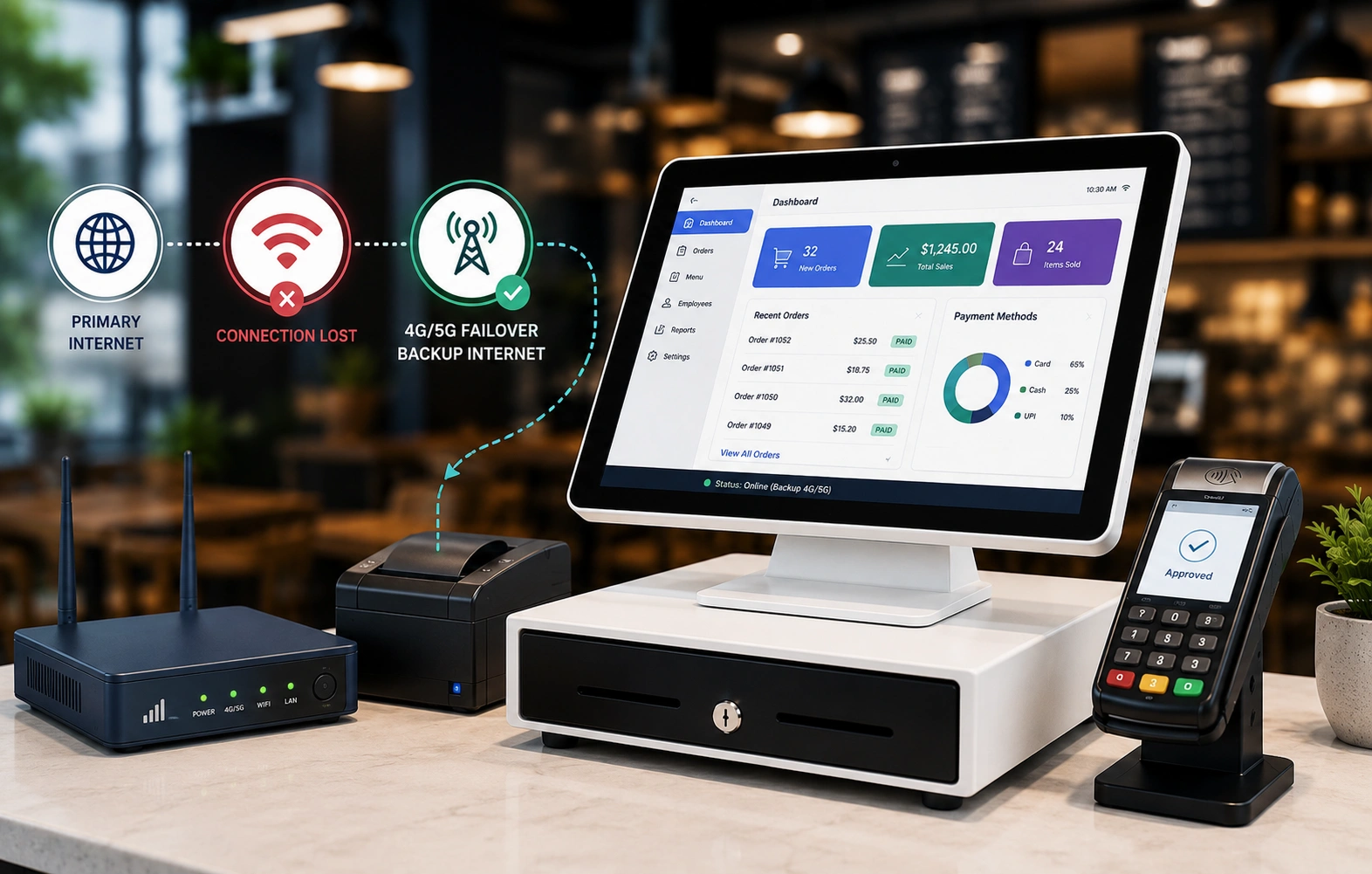
Internet outages happen. Ask whether calls can automatically fail over to a backup connection or be redirected to mobile phones. More importantly, find out how quickly this happens. A few seconds of disruption may go unnoticed, while prolonged downtime could mean missed sales and frustrated customers.
Do I get a named person to call, or a general call center?
Support quality varies widely. Some providers offer dedicated account managers or named technicians who understand your setup, while others route every issue through a general call center. Knowing who you’ll be dealing with before problems arise can save a lot of frustration later.
Will it work with the tools I already use, like my point-of-sale system and customer records?
Your phone system shouldn’t operate in isolation. Check whether it works with the tools your business relies on, such as your customer relationship management (CRM) software, point-of-sale system, help desk platform, or Microsoft Teams.
Can I keep my current phone number, and how long does the switch take?
Changing phone numbers can confuse customers and disrupt business. Most providers can port existing numbers, but the process and timelines vary. Ask how long the switch takes, whether there will be any downtime, and what steps are involved to ensure a smooth transition.
If a provider gives you vague answers to any of these, it’s a red flag. Read more on the key features of a reliable phone system.
The Bottom Line
For almost every small business, a hosted VoIP or cloud system wins over a traditional PBX. You skip upfront hardware costs, pay a predictable monthly fee, and can run several locations from one place. The only real question left is how much you want the provider to manage on your behalf.
A provider that ticks all of these boxes will save you a lot of headaches. Vivant’s cloud-based phone service is built for multi-location businesses that need every site on one system, one bill, and one support team, with a 100% uptime guarantee. Get in touch with us today to find out which phone system fits your setup.
FREQUENTLY ASKED QUESTIONS
What is the best phone system for a small business?
For most small businesses, a hosted VoIP or cloud system is the best option. You skip upfront hardware costs, pay a predictable monthly fee, and can run several locations from a single dashboard. Overall, the best fit comes down to how many sites you run and whether you have anyone in-house to manage them. To learn more, check The Best Phone System for Small Business in 2026.
How much does a business phone system cost?
Modern systems are usually sold on a per-user monthly subscription. So the total depends on how many people need a line, which features you want, and whether handsets are included. Traditional PBX carries higher upfront equipment and maintenance costs, which is part of why fewer small businesses choose it now.
What is the difference between VoIP and a regular business phone?
A regular business phone sends your call down copper telephone lines. VoIP sends it as data over your internet connection instead, which costs less and lets you forward calls, add lines, and answer from a mobile app without an engineer visit.
Do I need a PBX for my small business?
No, you don’t need a PBX for your small business. However, an on-site PBX makes sense if your business is located in areas with unreliable local internet connections.
Can I keep my existing phone number if I switch systems?
Usually yes. Moving your number to a new provider is called porting, and it is a standard request. Just confirm the timeline before you switch, since it can take a few business days, and you want to avoid a gap in service.
Build infrastructure that keeps the whole stack running.
Get a free cost analysis of bandwidth, segmentation, and failover across your locations.